
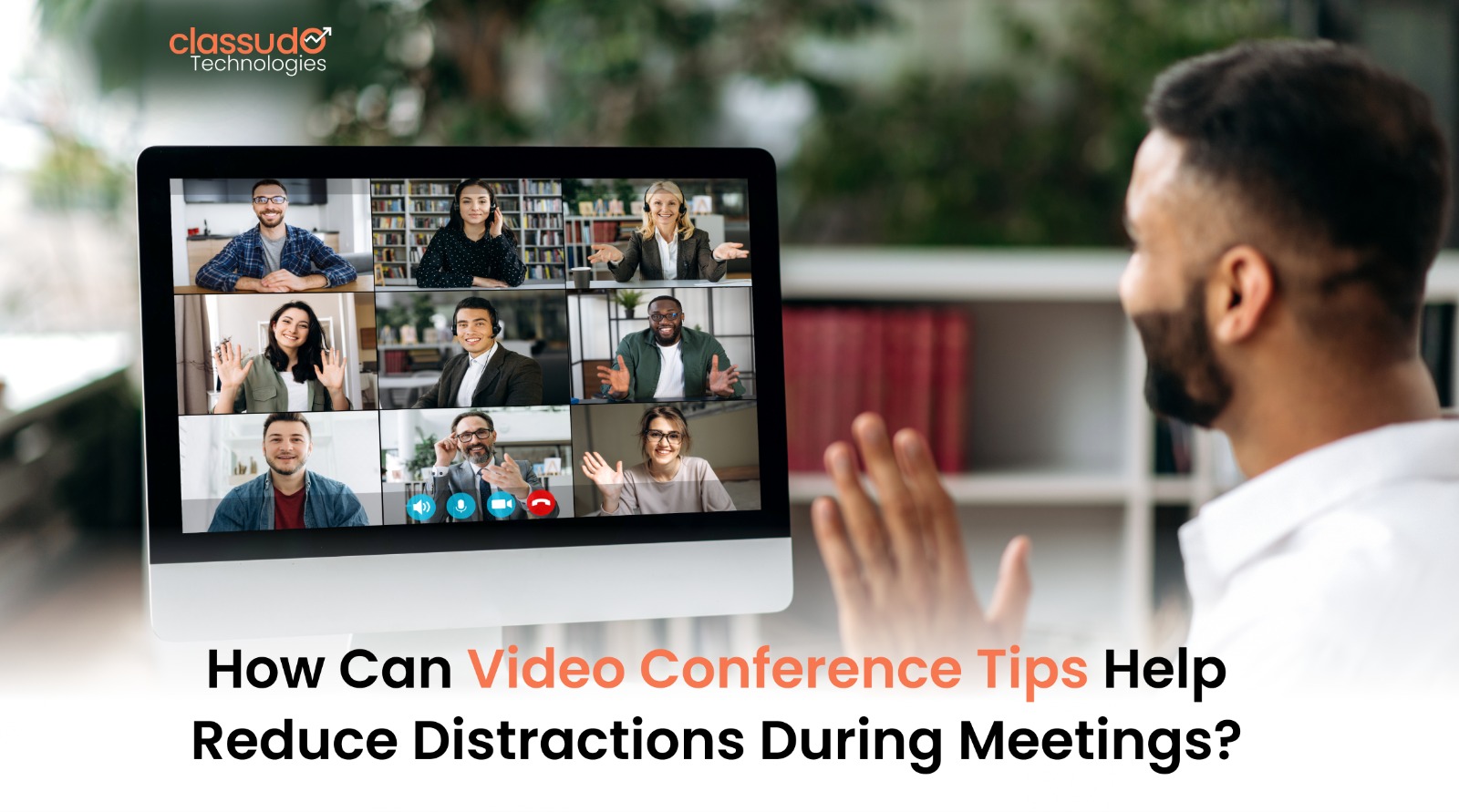
How Can Video Conference Tips Help Reduce Distractions During Meetings?
Video meetings are no longer temporary. They form an important part of how professionals communicate. The businesses, educators and teams rely on these every day. Virtual conferences have become a necessity for remote work and hybrid teams. Global collaboration and online education boosted this trend. However, convenience has also created new challenges. Distractions are now a major productivity issue.
Unlike in-person meetings, virtual calls happen in uncontrolled spaces. Participants may face background noise. Household interruptions are common. Notifications and emails constantly compete for attention. Multiple screens increase the urge to multitask. As a result, meetings feel longer than necessary. They also feel less engaged and less effective.
This is where video conference tips become essential. They help bring structure to meetings and reduce mental overload. They keep participants focused and present.
These tips are not about strict rules. They focus on building better habits. The goal is clarity and concentration.
In real-world scenarios, distracted meetings cause problems. Important details get missed. Discussions are repeated. Decisions become unclear. Over time, productivity suffers, and collaboration also breaks down.
In this guide, we cover everything you need to know.
- You will learn what video conferencing discipline means.
- You will understand how it works.
- We will explore techniques to reduce distractions.
- We will discuss useful tools and platforms.
- Common mistakes will be highlighted.
- Real-world use cases will be shared.
- We will also look at the future of virtual collaboration.
What Is Video Conferencing Discipline?
Video conferencing discipline means using intentional habits during virtual meetings. It helps participants stay focused and engaged. It also encourages respectful communication. The goal is to reduce interruptions. It combines technical readiness with good etiquette. Environmental control also plays a role.
For beginners, this simply means showing up to meetings prepared.
Prepare yourself mentally and technically when you are not speaking, and prefer to mute your microphone. Close tabs that are not related and maintain focus on the agenda. These small steps will improve the quality of meetings.
Video conference tips help teams to stay organized. It makes meetings more focused and not chaotic. These tips help everyone know how to conduct a meeting.
Example:
- When a team agrees to meet on time and stick to an agenda, expect less interruptions.
- The participants who turn off notifications do not multitask so frequently and might miss important information.
Video conferencing discipline comes with a focus on respecting time, attention and communication.
How Video Conferencing Discipline Works
It is not possible to reduce distractions in virtual meetings instantly. This process works by addressing distractions before, during, and after a virtual meeting.
A simple breakdown:
- Pre-meeting preparation
- Go through the Agenda and Objectives
- Test your microphone and internet connection
- Prefer a place with peace and good lighting.
- During the meeting
- When not speaking, keep your microphone muted
- Prefer not switching between apps and devices
- Use visual cues like hand-raise features
- Stay on-topic and concise
- Meeting structure
- Clear start and end times
- Defined roles such as host or moderator
- Time limits for discussions
- Post-meeting follow-up
- Share notes or recordings
- Assign action items
- Clarify next steps
When you combine these elements with video conference tips, it can reduce mental clutter. The participants can focus on meaningful discussion rather than distractions.
The Types of Video Conferencing Techniques
Structured Agenda-Based Meetings
These meetings follow a clear agenda. Each topic has a fixed time slot, and discussions stay focused. Side conversations are reduced, and participants prepare in advance. The decisions happen faster. Meetings end on time. The goals remain visible throughout the call for everyone involved.
Use case: Weekly team meetings, project reviews, leadership updates.
Camera-On Accountability Technique
Keeping cameras on during meetings increases accountability and focus among participants. Visual presence encourages attention, reduces multitasking, and improves engagement. Team members feel observed and involved, making discussions clearer, more personal, and closer to in-person interactions throughout the meeting.
Use case: Training sessions, interviews, collaborative discussions.
Moderator-Controlled Meetings
The moderators come in as in charge of the discussion and control the flow. The turn of the speaker stays organized, and noise gets managed. Large meetings are structured and calm, and have balanced participation. The moderator holds the job to ensure that the conversation stays on track.
Use case: Cross-department meetings and webinars.
Interactive Engagement Technique
This technique uses interactive elements to maintain attention and energy. Polls invite responses, and Q&A sessions encourage questions. Breakout rooms support discussion, while live reactions add momentum to the meeting. The participants of the conference stay mentally engaged. The meetings feel shorter and more collaborative for everyone.
Use case: Workshops and brainstorming sessions.
Asynchronous-Supported Meetings
Asynchronous meetings shift discussions to shared documents and chat platforms. Participants contribute on their own time with improved focus. Live calls become shorter, and time zones cause fewer delays. Deep thinking increases, and teams are ready to collaborate without constant interruptions or unnecessary real-time meetings.
Use case: Strategy planning, documentation-heavy discussions.
Each of the above-mentioned approaches aligns with specific video conference tips. This helps control different types of distractions.
Matching Meeting Techniques to the Right Scenarios
The purpose and urgency of the meeting will help you understand the best technique.
- Structured meetings work best in scenarios that require decisions within a limited time.
- Camera-on techniques are ideal when engagement and trust are important.
- Moderator-controlled formats are necessary for meetings with many participants.
- Interactive techniques help when attention levels drop or creativity is needed.
- Asynchronous support reduces meeting fatigue for complex discussions.
Applying the wrong technique often increases distractions. Strategic use of video conference tips helps teams select the most effective approach for each scenario.
Top Tools and Resources That Improve Virtual Meeting Focus
Technology plays an important role in reducing distractions when used in an appropriate way.
Zoom

Zoom offers strong host controls that help manage meetings effectively. Breakout rooms support focused discussions. Analytics provide insights into participation. Hosts can mute noise control entry and guide conversations. This makes Zoom useful for teams that need structured and distraction-free meetings.
Best use case: Team meetings and training sessions.
Google Meet
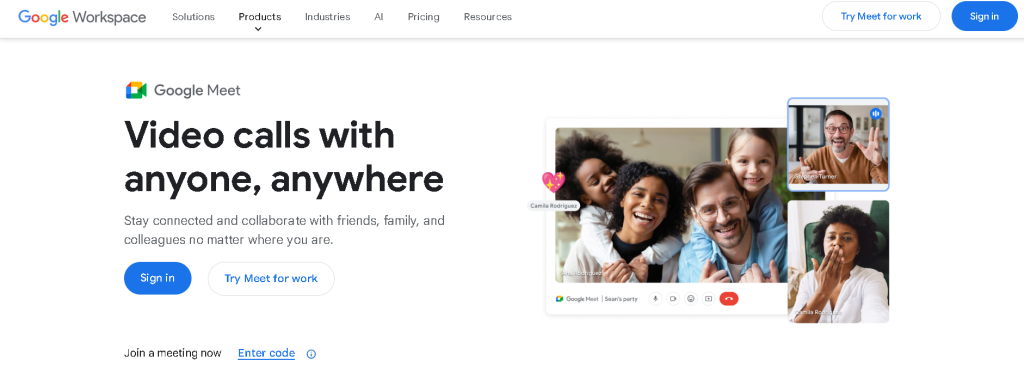
Google Meet comes with a clean and simple interface that minimizes unnecessary distractions. It is easy to join and use. Meetings start quickly. Fewer controls keep focus on the conversation. This makes it ideal for short internal meetings and quick team discussions.
Best use case: Quick internal discussions.
Microsoft Teams
Microsoft Teams combines video meetings with chat, file sharing, and collaboration tools. Everything stays in one place. Teams switch less between apps. Focus improves naturally. It works well for enterprise teams that manage ongoing projects and remote collaboration daily.
Best use case: Enterprise teams and remote collaboration.
Cisco Webex

Cisco Webex comes with advanced security features to protect conversations. Its noise cancellation improves audio clarity, and moderation tools help control large meetings. Webex seems to be a great tool for meetings in corporate environments or with clients that demand reliability.
Best use case: Client-facing and corporate meetings.
Slack

Slack supports quick huddles and asynchronous communication. Teams reduce unnecessary meetings by sharing updates through channels. Conversations stay focused. Interruptions decrease. This helps teams collaborate efficiently without constant video calls and meeting fatigue.
Best use case: Reducing unnecessary meetings.
Notion
Notion helps teams manage meeting agendas, notes and follow-ups in one space. Preparation improves. Action items stay clear. Meetings get focused in a better way. This is particularly useful for meeting planning, recording discussions and ensuring accountability following meetings.
Best use case: Documentation and meeting preparation.
Otter.ai
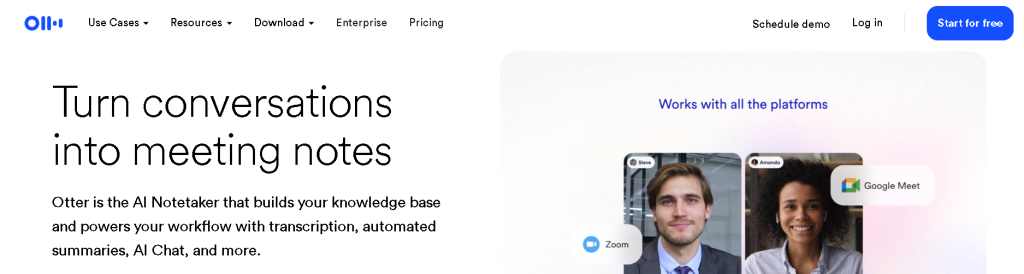
Otter.ai automatically records meetings in real-time. You can see the important points highlighted clearly. Participants focus on discussion instead of note-taking. This reduces cognitive load. Meetings feel less distracting. Follow-ups become more accurate.
Best use case: Reducing note-taking distractions.
Using these tools correctly amplifies the effectiveness of video conference tips.
The Best Practices
Listed below are a few proven and industry-tested actions that help reduce distractions consistently:
- Join meetings on time
- Keep your workspace clutter-free
- Use headphones for better audio clarity
- Keep to the agenda
- Limit meetings to essential participants
- Avoid multitasking during calls
- Schedule breaks between meetings
- Encourage concise communication
These best practices for video conferencing are helpful for teams to maintain focus without adding extra pressure.
Common Video Meeting Mistakes That Hurt Focus
There can be situations when even experienced professionals can unintentionally increase distractions. Common mistakes include:
- Scheduling meetings without clear objectives
- Allowing meetings to run overtime
- Ignoring background noise
- Overloading participants with too much information
- Treating virtual meetings casually
Avoiding these errors strengthens trust and makes video conference tips more impactful over time.
Use Cases and Applications
Corporate Teams
Corporate teams use virtual meetings to discuss strategy and leadership reviews. It is great for daily stand-ups. Focused meeting structures help align goals and reduce confusion. It has a focus on enhancing collaboration. Teams save time and stay productive. They communicate more clearly in fast-moving work environments.
Education and Training
The institutions use virtual meetings for online classes and workshops. They often conduct certification programs through video conferencing. The students seem to be more engaged when sessions are structured well. The trainers explain concepts clearly and manage time better. It ensures reduced distractions during live discussions.
Healthcare
Healthcare professionals prefer video conference meetings for the purpose of teleconsultations and internal coordination. These situations make clear communication crucial. Focused meetings help to protect patient information and support accurate decision-making. The medical teams can work effectively and without interruptions with this.
Marketing and Sales
These teams present client demos and pitch presentations via video conferences. They even use it for campaign planning. Well-managed calls maintain attention, communicate value clearly and build trust. This ensures a stronger conversion rate and a better engagement.
Freelancers and Remote Professionals
These meetings make it easy for these professionals to conduct client interviews and discuss with clients. A clear structure helps them create credibility and reduces the risk of misunderstandings. The projects move smoothly across time zones and locations.
The important video conference tips can improve clarity and engagement in almost all fields.
The Future
Virtual meetings will become more intelligent and automated with the help of automation. AI-powered platforms could help:
- Detect background noise and mute automatically
- Measure engagement levels
- Suggest meeting summaries and action items
- Recommend optimal meeting durations
As remote work continues to evolve, video conference tips will increasingly be supported by smart systems rather than manual effort.
Organizations that adopt these changes early will gain a productivity advantage.
Conclusion
Distractions can be a major affective factor in virtual communication. Even the most important meetings can lose their value if not structured well. The teams can improve their virtual interactions by adopting deliberate habits. The proven tools and techniques can be helpful for them in this scenario.
The consistency is the real power of video conference tips. They reduce fatigue and increase clarity during every virtual meeting. It ensures meetings that are actually results-driven when they are applied daily.
In a world where virtual collaboration seems permanent, you need to master focus.
Frequently Asked Questions
Virtual meetings are done in an unstructured environment. This makes it difficult to manage notifications, background noise, and multitasking.
The techniques of clear agendas, shorter meetings, and active participation can help maintain focused attention.
Yes. Shorter meetings reduce mental fatigue and force clearer communication.
Not always, but it increases accountability and engagement in collaborative meetings.
Tools support efficiency, but consistent habits and video conference tips and tricks determine long-term success.
